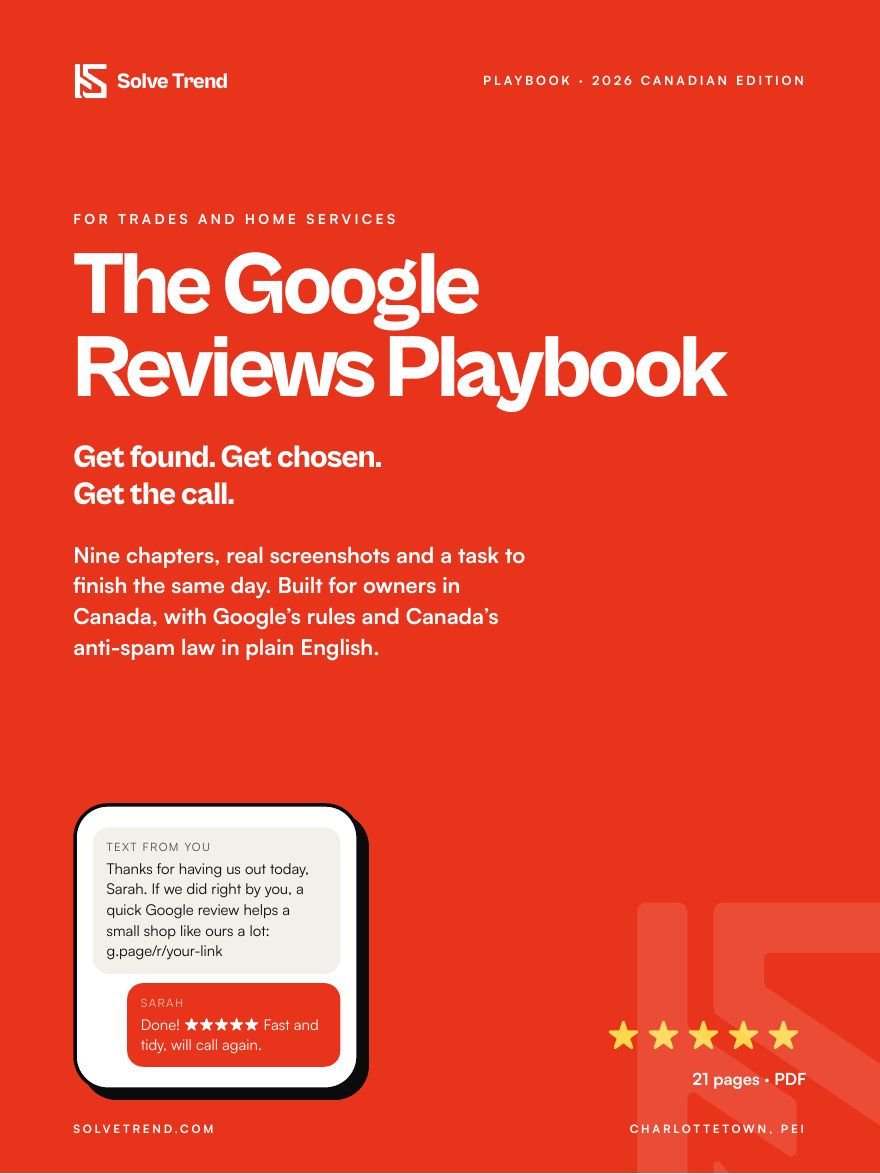
The Google Reviews PlaybookGet found. Get chosen. Get the call.
A 21-page, step-by-step guide for trades and home-services owners in Canada: get a steady stream of honest Google reviews, reply the right way, and stay inside Google’s rules and Canada’s anti-spam law. Real screenshots, nine chapters, a task to finish each day, and a bonus prompt for ChatGPT and skill for Claude that draft your review replies.
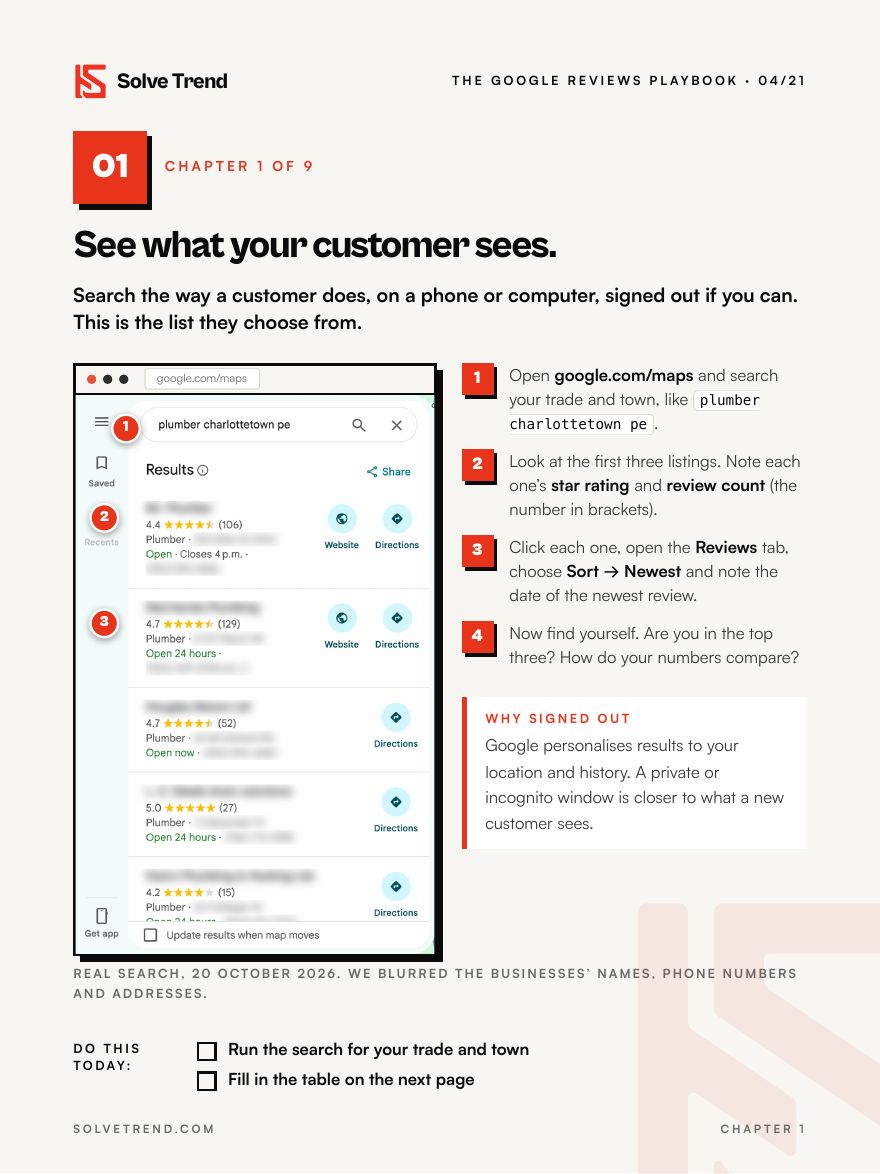
Search like a customer, then size up the top three against you on one worksheet.
02
Fix the profile that holds the reviews
Name, category, hours and service area, straight from Google’s own rules, so a suspension never wipes your reviews.
03
Make asking take ten seconds
Get your review link and QR code from Google, or build the link with the free Place ID Finder if you can’t get into the profile.
04
The ask: when, who and what to say
Word-for-word scripts for the walk-through, the same-day text and one nudge, plus how long CASL lets you message a customer.
05
Stay inside the rules
The two lines in Google’s policy that catch most owners, and what Canada’s Competition Bureau says about reviews.
06
Reply to every review
A three-part reply you can write in a minute, with examples for a five-star and a three-star review.
07
When the review is bad, or fake
A calm public reply, how to report a fake one, and the extortion pattern hitting trades firms.
08
Put your reviews to work
Where reviews belong on your website and quotes, and the star-snippet trick Google says not to use.
09
The fifteen-minute monthly check
One search, one row in a sheet, three questions on the first Monday of each month.
Why this one
Real screens, Canadian rules.
Real screenshots
Every tool shown was used for real on public pages, with other businesses’ details blurred.
Written for Canada
CASL time limits and the Competition Bureau’s position, quoted from the source, not guessed.
A task every day
Each chapter ends with a “do this today” list and there is a 30-day plan at the back.
Every number sourced
Fourteen sources listed with links, all checked on 20 October 2026. No made-up statistics.
Get it
$19, one time.
Canadian dollars, before tax. Secure checkout by Stripe.
PDF playbook
$19
21 pages, 9 chapters, AI reply bonus
Pay once and download straight away. We also email you the links so you can get them again.
Real step-by-step screenshots
Scripts, worksheet and 30-day plan
CASL and Google rules in plain English
Bonus: AI review replies for ChatGPT and Claude
Questions
What owners ask first.
Who is it for?
Owners of trades and home-services businesses in Canada: plumbing, HVAC, electrical, roofing, renovation, landscaping and cleaning. Anyone with a Google Business Profile will get value from it.
Do I need any paid tools?
No. Everything in it uses Google’s free tools and a free QR code generator. You need access to your Google Business Profile for some steps, and there is a workaround if you don’t have it yet.
Is this legal advice?
No. It explains Google’s published rules and the parts of CASL and the Competition Act that apply to review requests in plain English. For anything beyond that, talk to a lawyer.
What is the AI reply bonus?
Two files that draft replies to your Google reviews the way chapter 6 teaches: a prompt you paste into ChatGPT and a skill you upload to Claude. Free accounts work for both. You paste a review, add what the job was, and get a reply to read and post. They never invent job details, mention prices or addresses, or offer anything for a review.
How do I get it after paying?
Straight after checkout you land on a download page with the PDF and both bonus files, and we email you the same links so you can download them again later.
Rather we set it up for you?
We build review requests into the work you already do: a text after every job, follow-ups that send themselves, and a monthly report.