How to Get More Google Reviews Automatically (Without Breaking Google's Rules)
Solve Trend7 min read
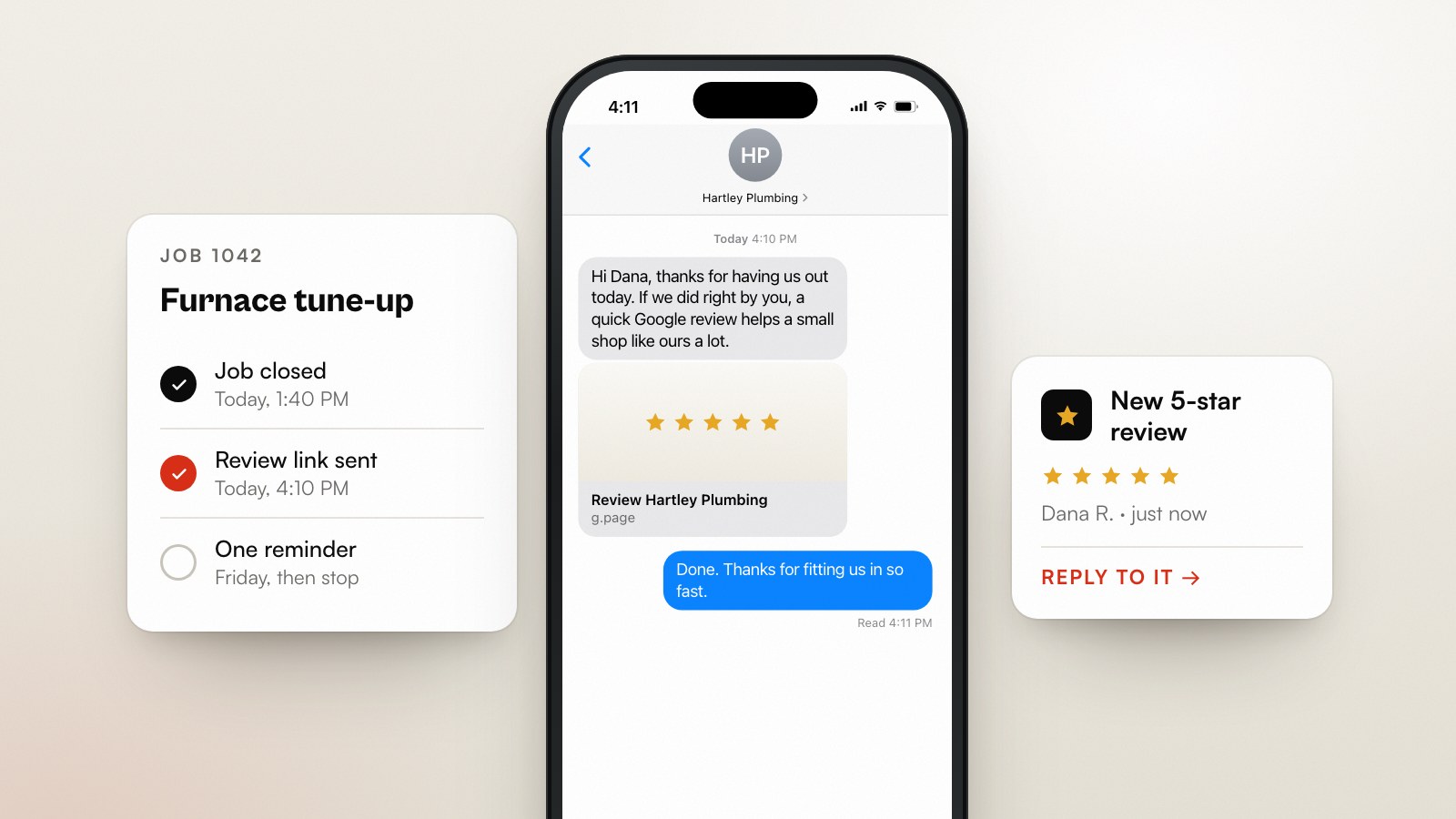
The way to get more Google reviews is to ask every customer, every time, and to automate the asking so it never depends on someone remembering. To do it safely, send one request to every customer whose job is finished, a few hours after you leave, with a direct link to your review form. Send one reminder a few days later, then stop. Never screen customers first and only ask the happy ones. That last rule is where most “review funnels” break Google's policy.
This post covers why reviews weigh more in 2026 than they did a year ago, what Google bans in plain words, the workflow, six templates, and how to build it in n8n or your field-service app. It's written for trades and local service businesses, but the rules are the same for a dentist or a café.
Why do reviews matter more in 2026?
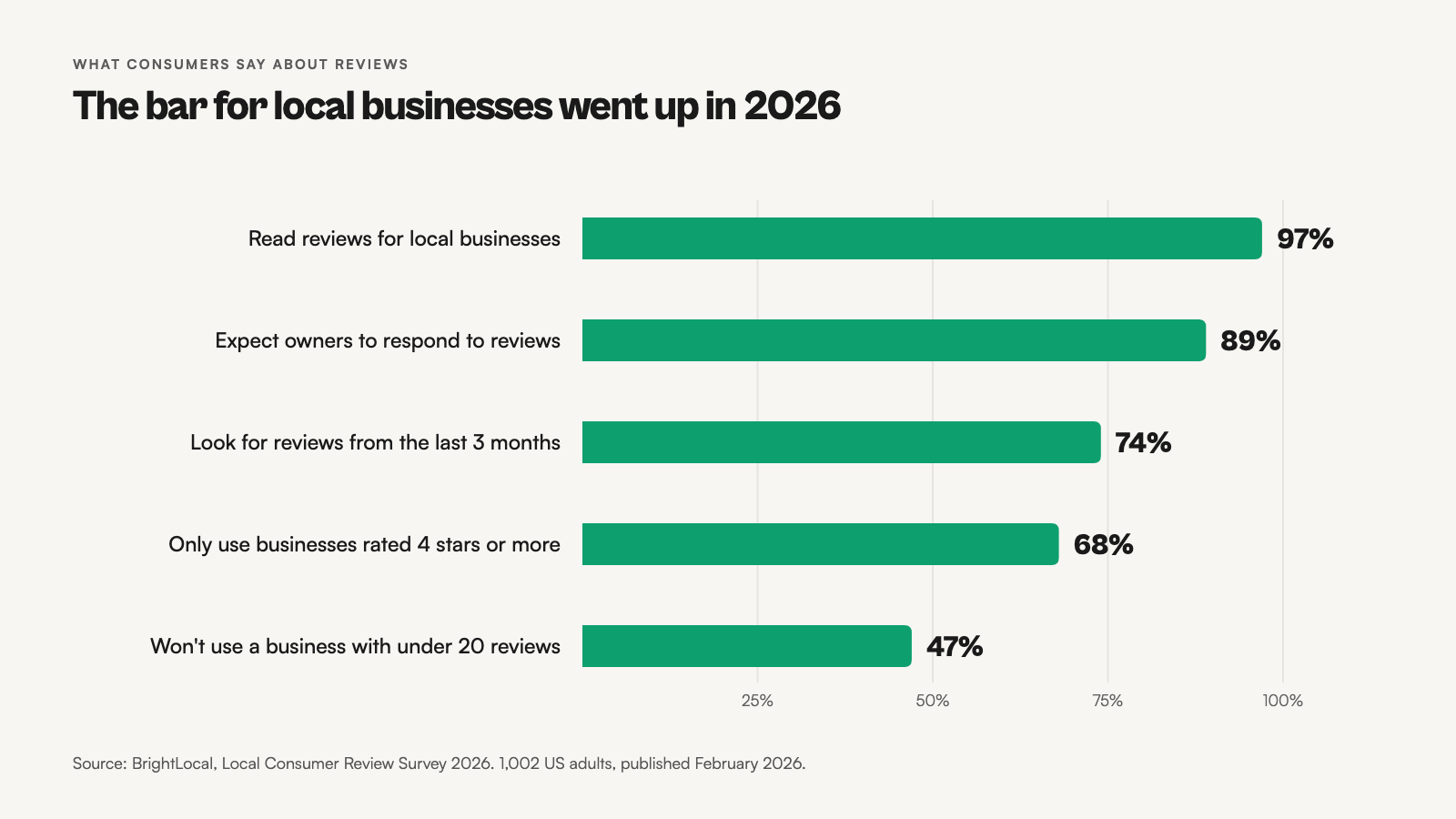
Customers have raised the bar. In BrightLocal's February 2026 survey of 1,002 US adults, 68% said they'll only use a business with four stars or more, up from 55% in 2025. 31% now want 4.5 stars or higher, and 47% won't use a business with fewer than 20 reviews (BrightLocal).
Freshness counts too: 74% look for reviews written in the last three months, and 32% in the last two weeks. And 89% expect owners to reply. Google's own map pack leans the same way. In Whitespark's 2026 ranking-factors survey of 47 local-search experts, high Google ratings rank 6th, the number of Google reviews with text 9th, and review recency 11th among local-pack factors (Whitespark).
What does Google ban?
Two things catch out businesses that automate review requests. First, incentives: Google doesn't allow merchants to offer payment, discounts, or free goods or services in exchange for a review. Second, gating: Google's policy bans merchants from discouraging negative reviews or from choosing to “selectively solicit positive reviews from customers” (Google).
In practice, that rules out the classic funnel: “How did we do? Rate us 1 to 5”, where 4s and 5s get the Google link and 1s to 3s get a private feedback form. Ask everyone the same way. You can still ask for private feedback, as long as every customer gets the Google link too.
| Fine | Not fine |
|---|---|
| Asking every finished customer for a review | Asking only customers you think were happy |
| One reminder a few days later | A “rate us first” screen that routes unhappy customers away from Google |
| Thanking people who left a review | A discount, draw or free service for leaving one |
| Replying to every review, good and bad | Asking someone to change or remove a negative review for a refund |
The review-request workflow
Six steps, triggered by a finished job rather than a calendar. The timing matters. Ask too early and the work hasn't proven itself. Ask too late and the feeling's gone. A few hours after the job closes, during waking hours, is the sweet spot for most trades.
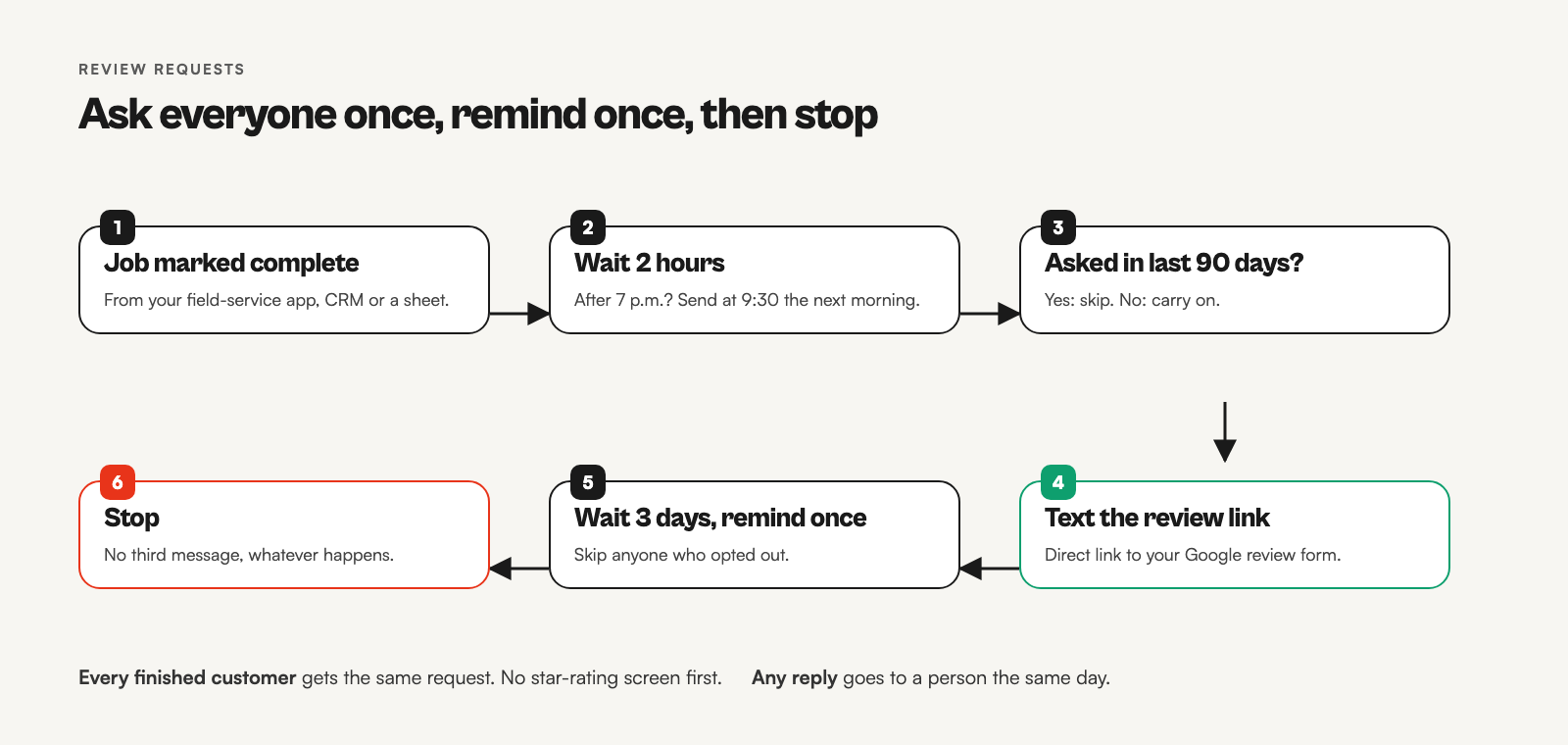
- Trigger: the job is marked complete in your app, CRM or sheet.
- Wait two hours, and push the send to the next morning if that lands after 7 p.m.
- Cooldown check: skip anyone asked in the last 90 days, so repeat customers aren't asked every visit.
- Send the request by text (email for customers without a mobile number), with your direct review link.
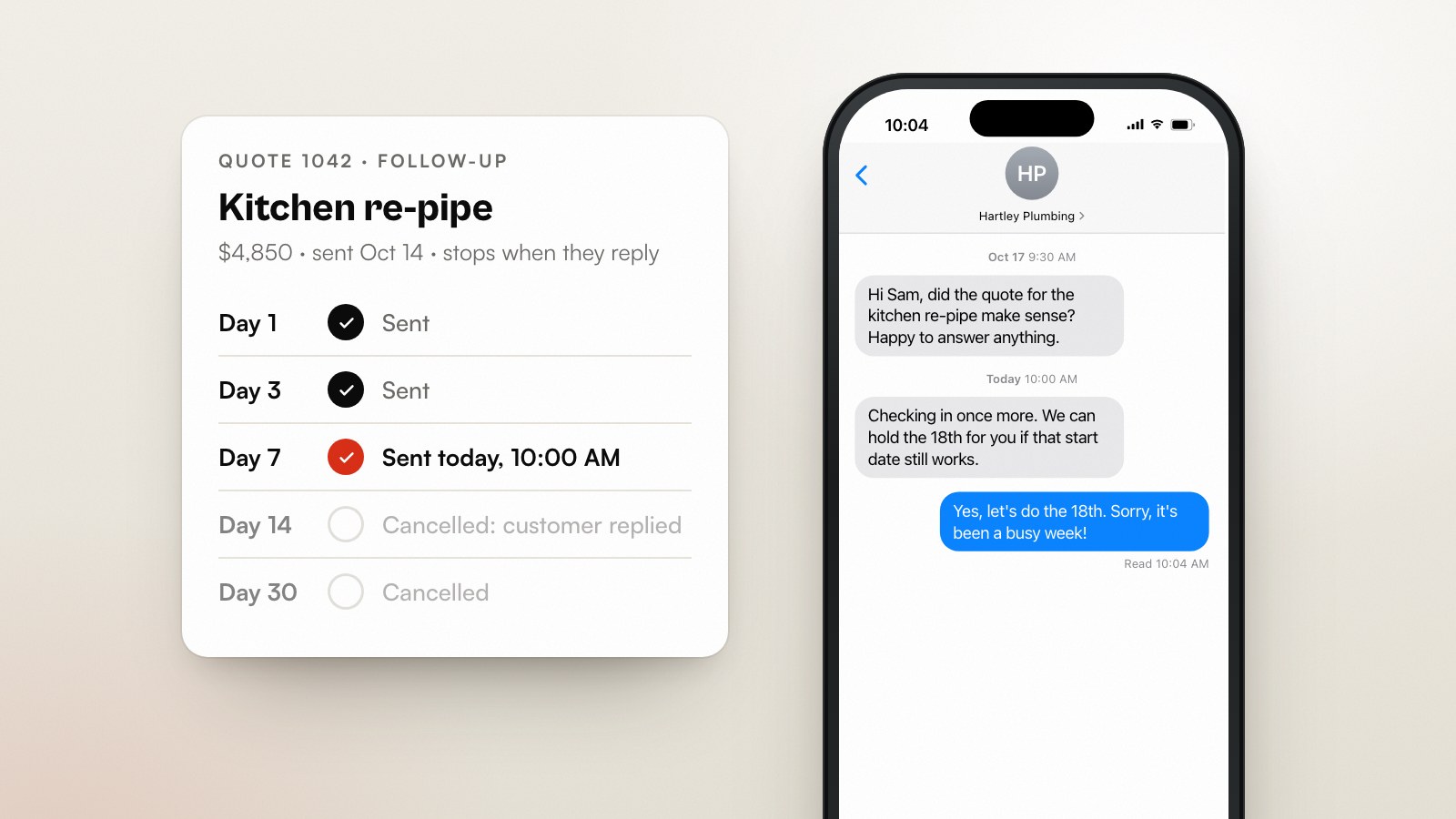
- Reminder: one follow-up three days later. Then stop, whatever happens.
- Alert: any reply, especially a complaint, goes to a person the same day.
Notice what's missing: a “did they leave a review?” check. Google doesn't give you a reliable way to match a review to a customer, so don't build logic on it. The one-reminder cap does the same job without the guesswork.
How do you get your Google review link?
Open your Google Business Profile while signed in, choose “Ask for reviews” (or “Read reviews”, then “Get more reviews”), and copy the short link Google gives you. It opens the review form directly, with the stars ready to tap. Put that exact link in every request. A link to your Maps listing makes people hunt for the button, and every extra tap loses a review.
Six review request templates
| When | Template |
|---|---|
| Default text | Hi [First name], thanks for having [Business] out today. If you've got 30 seconds, a Google review helps a lot: [link] |
| From the tech | Hi [First name], it's [Tech name] from [Business]. Hope everything's working well. Would you mind leaving a quick review? [link] |
| Big job finished | Hi [First name], that's the [job] done. Thanks for trusting us with it. If you'd share how it went on Google, we'd be grateful: [link] |
| Reminder (day 3) | Hi [First name], one last nudge from [Business]. If you have a minute, a review here helps local people find us: [link]. Thanks either way. |
| Email subject | How did the [job] go? |
| Email body | Thanks for choosing [Business]. Reviews are how most people find us, so if you have a minute, we'd appreciate one here: [link]. Something not right? Reply to this email and [Name] will sort it. |
How to build it in n8n
If your field-service app has review requests built in, check it against the rules above (every customer, no gating, one reminder) and use it. Build your own in n8n when you want the request tied to your CRM, sent from your own number, or written in your own words.
- Trigger: a webhook from your field-service app when a job closes, or a Google Sheets trigger on a status column.
- Wait node set to two hours, followed by a Code node that moves late-evening sends to 9:30 a.m.
- Data Table (or sheet) lookup by phone number for the last request date. Stop if it's under 90 days.
- Twilio node sends the template with the review link, then the request date is logged.
- Wait node set to three days, a check that the customer hasn't opted out, then the reminder.
- A separate workflow on your Twilio number forwards any reply to the owner or office manager.
Other places to ask for Google reviews
The text after a finished job does most of the work. Three more places catch customers the text misses, and none of them breaks the every-customer rule because they're in front of everyone.
- A QR code on the invoice or leave-behind card. Point it at the same review link. Customers who pay on the spot can scan it before you've packed up.
- Your email signature. One line, “How did we do? Leave a Google review”, with the link, on every email the office sends.
- The thank-you email. If you already send one after payment, add the link to it rather than sending a separate request.
Reviews are social proof: 47% of consumers in BrightLocal's 2026 survey won't use a business with fewer than 20 of them. A steady flow from all three places gets you there faster than any single channel.
Reply to every review, including the bad ones
89% of consumers expect owners to respond, and 80% say they're likely to use a business that responds to all its reviews (BrightLocal). Reply within a few days. Thank the good ones by name and mention the job. For the bad ones, acknowledge the problem, say what you'll do, and move the details offline. An AI tool can draft replies, but a person should read every one before it posts. One robotic reply to an angry review does more damage than the review itself.
Mistakes that cost reviews (or the profile)
- Gating: a star-rating screen that only sends happy customers to Google.
- Incentives: “10% off your next service for a review” breaks Google's policy.
- Asking your whole customer list in one blast. It isn't banned, but 74% of consumers look for reviews from the last three months, so a steady flow beats one spike.
- Linking to the Maps listing instead of the review form.
- Writing reviews for customers, or having staff and family post them.
- No reply to the one-star review sitting at the top of your profile.
Google review automation FAQ
Is it against Google's rules to automate review requests?
No. Automating the request is fine. Offering incentives and selectively asking only happy customers are what Google's policy prohibits.
When is the best time to ask for a Google review?
A few hours after the job is finished, during waking hours, while the result is fresh and visible. For long projects, ask at handover.
How many reviews do I need?
Aim for 20 as a first milestone: 47% of BrightLocal's 2026 respondents won't use a business with fewer. After that, recency matters more than the total.
Can I ask for a review by text?
Yes. Name your business, keep it to one request and one reminder, and honour opt-outs. Commercial-messaging rules in your country still apply.
Can I ask unhappy customers for private feedback instead?
You can invite anyone to reply privately with problems, but every customer must still get the review link. Routing only unhappy customers away from Google is gating.
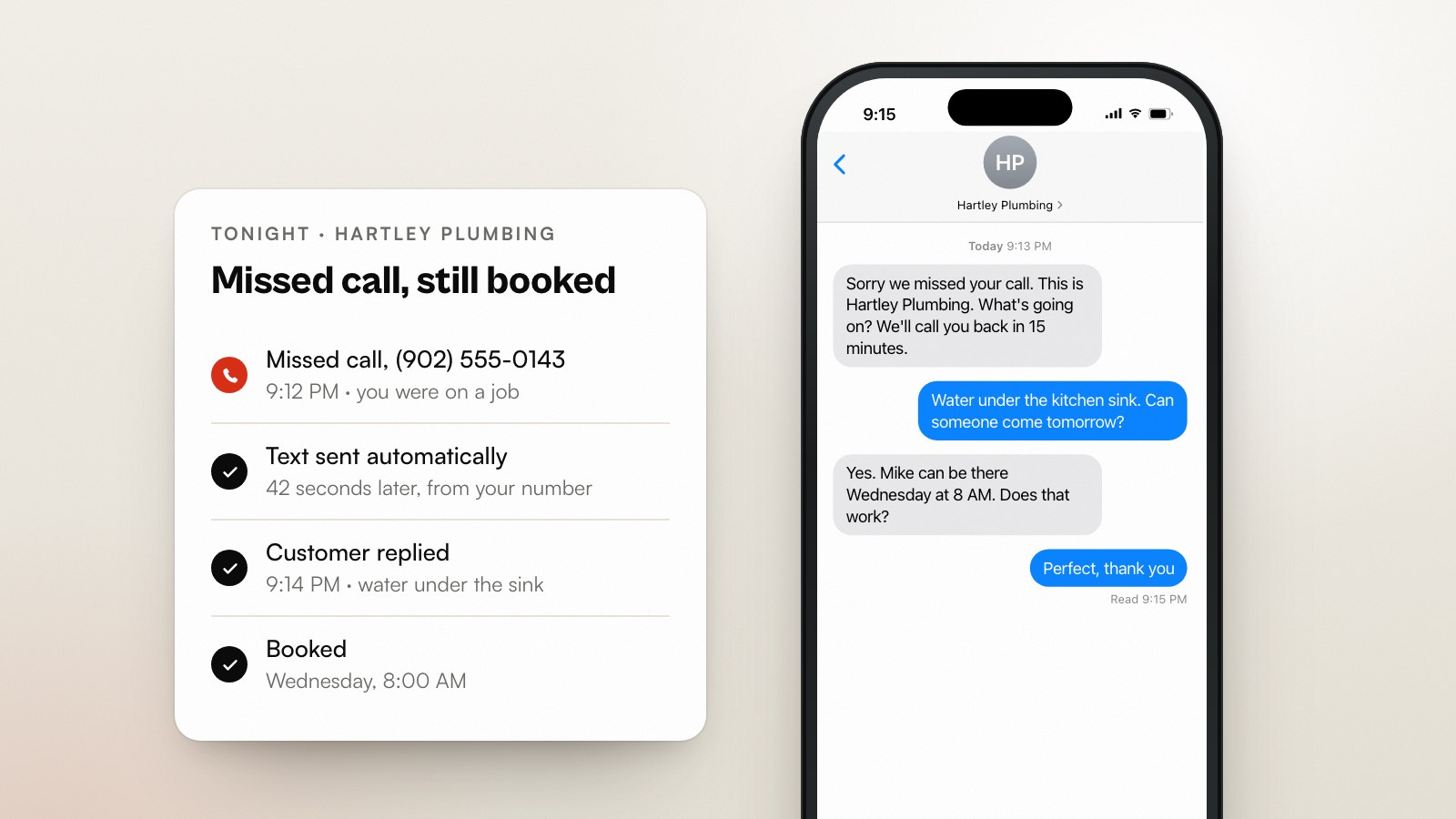
Want this run for you every month, with replies written and your Google Business Profile kept current? That's part of Brand Growth. Building it yourself? Pair it with missed-call text-back so the customers you review-request are the ones you didn't lose.
Sources
Working through this yourself?
If you’d rather someone else ran this every month,we’re happy to talk it through: scope first, pitch later.