Google Business Profile for Contractors: Setup and a 15-Minute Weekly Checklist
Solve Trend6 min read
A Google Business Profile is the listing that shows up when someone searches “plumber near me” and sees a map with three businesses under it. For a contractor, it is often the first thing a customer sees, before your website. Set it up properly once, then spend about 15 minutes a week keeping it current. That is enough to beat most competitors, because most contractors fill it in once and never touch it again.
This guide covers how to set the profile up, which fields matter for trades, the mistakes that get profiles suspended, and a weekly routine you can hand to whoever answers the phone. It is written for trades and home-services businesses, including those that work out of a home or a truck.
Do contractors need a storefront to have a profile?
No. Google treats a business that travels to the customer as a service-area business. You can list the towns or regions you serve and hide your street address, so your home address is not shown publicly. If customers do visit a shop or yard, show that address as well. What Google does not allow is a profile for an address you do not actually operate from, such as a virtual office or a mailbox you rent.
Set it up right: the fields that matter
- Business name. Use the name on your truck, invoices and website, with the same logo and colours (our post on brand systems explains why that consistency matters). Do not add “Best Plumber Charlottetown” to it. Stuffing keywords into the name is against Google's guidelines and is one of the quickest ways to get a profile suspended.
- Primary category. Pick the most specific one that describes your main job: “Plumber”, “Electrician”, “Roofing contractor”. This is the single most important choice on the profile. Add a few secondary categories for work you really do, not every trade you have ever touched.
- Service areas. List the towns and regions you actually drive to. A tight, honest list beats an entire province. If you also build a page per town on your site, keep the two lists the same; our guide to service area pages shows how.
- Hours. Enter real hours. If you take emergency calls, say so in the description and set special hours for holidays so customers are not left guessing.
- Phone number. Use a number that is answered, or one that sends a text back when you miss the call. A missed-call text-back means a profile call you cannot pick up still gets a reply.
- Website link. Send people to the page for the service they searched, not just the home page, where you can. If that page is weak, run it through our contractor website checklist first.
- Services list. Add each job type with a short plain description: “Hot water tank replacement”, “Panel upgrades”. If you quote a starting price, include it only if you can honour it.
- Description. Two or three plain sentences: what you do, where, and what makes you different. No sales slogans.
Photos: show the work, not the logo
Customers want proof that you do clean work. Upload photos of finished jobs, your crew in uniform, your truck, and your tools laid out. Before-and-after pairs work well for renovations and roofing. Take them on a phone in daylight, and get the customer's permission before posting anything that shows the inside of their home. Skip stock images; customers can tell, and Google can too.
A good habit is to take three photos at the end of every job. It costs a minute, and over a season it gives you a profile full of real, recent work.
Reviews: the part you control least and should work on most
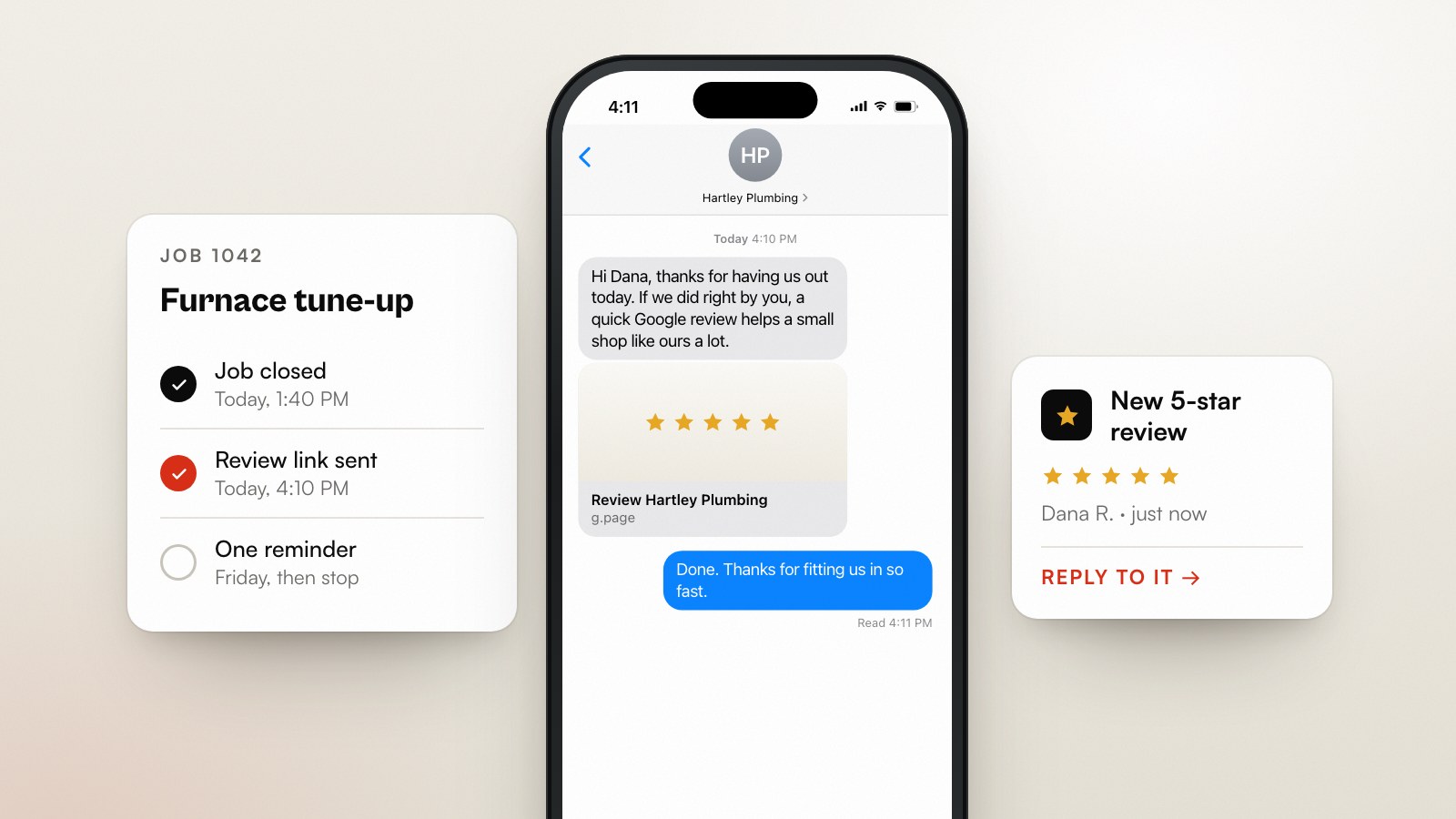
Reviews sit right on the profile, so they shape the first impression. Ask every customer, not just the happy ones, shortly after the job is done, with a direct link to your review form. Never offer a discount or gift for a review, and never screen customers first. We cover the full workflow, templates and the policy lines in Google review automation, and the Google Reviews Playbook has the scripts and reply prompts in one PDF.
Reply to reviews too. A short, specific thank-you for a good one and a calm, factual answer to a bad one shows future customers how you handle problems. Take the details offline.
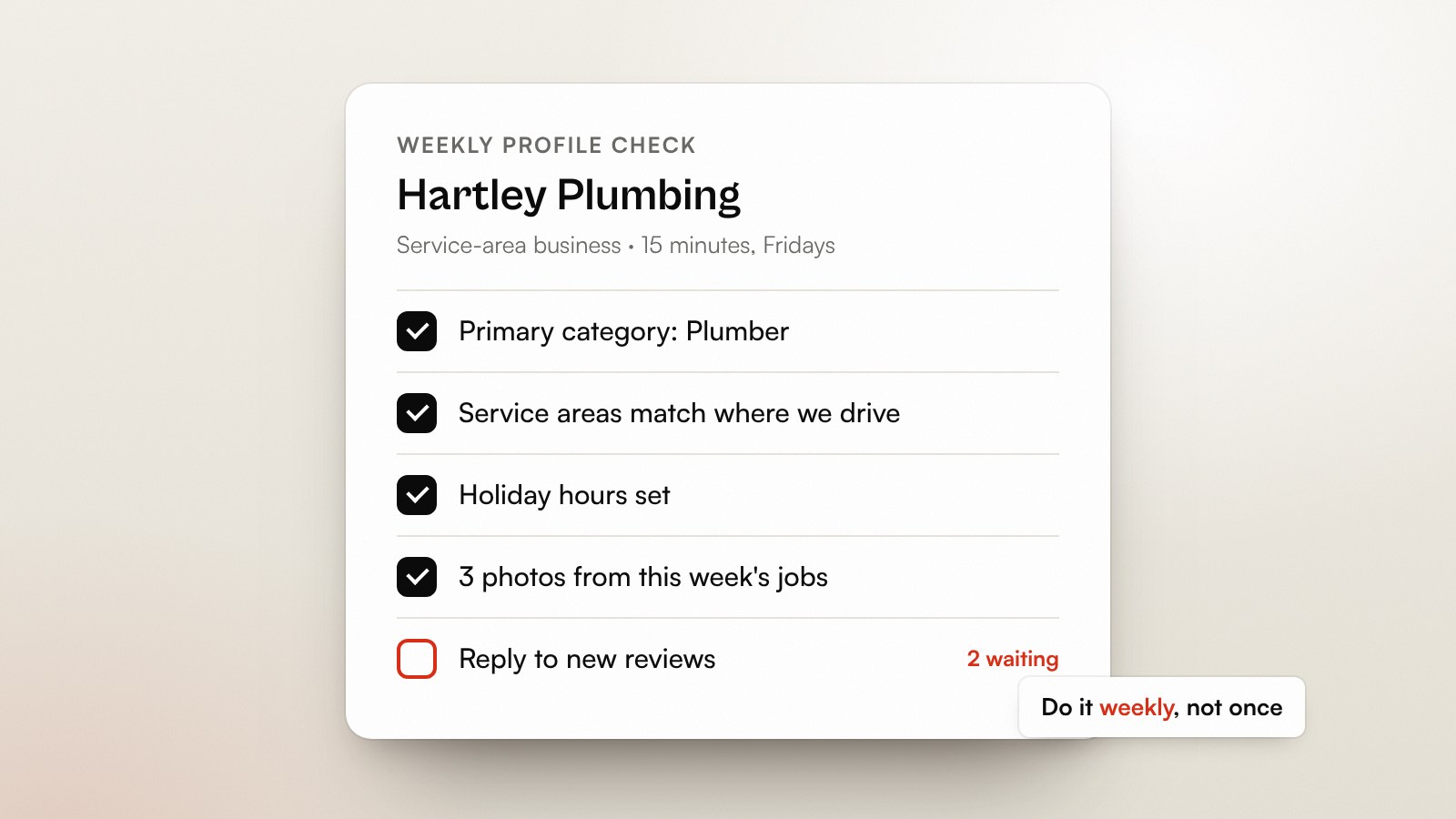
A 15-minute weekly checklist
| Task | Time | Why |
|---|---|---|
| Upload 3 to 5 photos from this week's jobs | 4 min | Fresh, real work shows the business is active |
| Reply to every new review | 5 min | Shows customers you listen |
| Publish one update (a finished job, a seasonal tip or an offer) | 3 min | Gives the profile recent activity |
| Check the Q&A and messages for unanswered questions | 2 min | Slow answers lose jobs |
| Look at hours and phone number | 1 min | Wrong hours cost calls and reviews |
Once a month, check the profile's performance tab. It shows how many people called, asked for directions or clicked through to your website. You do not need to read anything into the small week-to-week swings. Look for the direction over a few months.
Mistakes that cause trouble
- Keywords in the business name, or a name that differs from your signage.
- A fake or borrowed address, or several profiles for one business at the same address.
- Listing service areas you do not serve, in the hope of showing up there.
- Wrong or outdated hours, especially around holidays and winter.
- Buying reviews, swapping reviews with other businesses, or reviewing yourself.
- Letting the phone ring out with no text-back, so a customer who found you calls the next listing. Our post on after-hours calls compares the ways to cover the phone.
- Never logging in, so nobody notices when someone suggests an edit to your phone number or website.
Should you hire someone to run it?
Not necessarily. The setup takes an afternoon and the weekly routine is small. It makes sense to hand it off when you are too busy to keep up with it, or when you want the profile, reviews and your website working together. If that is you, it is part of what our team does under Brand Growth and in our contractor marketing packages. If you do it yourself, the checklist above is all you need.
Google Business Profile FAQ for contractors
Can I have a Google Business Profile if I work from home?
Yes. Set it up as a service-area business, add the areas you serve and hide your home address. Google does not require a public storefront.
Is a Google Business Profile free?
Yes. Creating and managing the profile costs nothing. Paid local ads are separate and optional.
Which category should I choose?
The most specific one that matches your main job, such as “Electrician” or “Roofing contractor”. Add secondary categories only for work you genuinely do.
How often should I post or update?
Weekly is plenty: a few new photos, one short update and replies to reviews. Consistency matters more than volume.
Why was my profile suspended?
The usual causes are keywords in the business name, an address you do not operate from, or duplicate listings. Fix the underlying issue, then follow Google's reinstatement steps in your profile.
Next step: open your profile, check the name, primary category and service areas against the list above, and set a recurring Friday reminder for the weekly routine.